

Searching for the best Solana wallet? This guide highlights the safest wallets for storing SOL, staking tokens, managing NFTs, and connecting to Solana dApps.
Solana is a high-performance blockchain built for fast transactions and scalable decentralized applications. Thanks to its low fees and ability to process thousands of transactions per second, it has become one of the most widely used networks for DeFi platforms, NFT marketplaces, and Web3 applications.
To interact with the Solana ecosystem, you’ll need a reliable Solana wallet. These wallets allow you to store SOL, manage SPL tokens, stake your assets, and connect to decentralized applications while maintaining full control of your private keys.
In this guide, we compare the best Solana wallets in 2026, including hardware wallets for maximum security and software wallets for everyday use.
Can you use the hardware wallets for Solana?
Yes. Solana (SOL) holders can use hardware wallets such as Ledger to securely store, manage, and stake their assets. Hardware wallets keep private keys completely offline, providing strong protection against hacking, phishing, and unauthorized access.
Using a hardware wallet is widely considered the most reliable way to safeguard your crypto over the long term.
👉 Want full cold storage protection for your SOL?
Check out our complete guide to the 6 Best Hardware Wallets for Solana (SOL) — featuring Ledger’s latest models, D’CENT, SecuX Neo X, and other secure devices built for Solana in 2026.
Best Solana Wallets
- Ledger Hardware Wallets – Best Hardware Wallets for Solana
- Phantom – Best Solana Wallet for Staking, dApps, and NFTs
- Solflare – Best Solana Wallet for Web and Mobile
- Backpack – Solana Wallet for dApps, Swaps, and Staking
- NuFi Wallet – Multi-Chain Solana Wallet with Staking and NFT Support
- Math Wallet – Cross-Chain Solana Wallet with dApp Browser
- Exodus – Multi-Asset Solana Wallet with Simple Staking
What is the best Solana (SOL) wallet?
Below is a curated list of the top Solana wallets for 2026. Whether you’re looking for cold storage, NFT support, SOL staking, or seamless dApp access, this list covers it all.
1. Ledger Hardware Wallets – Best Hardware Wallets for Solana
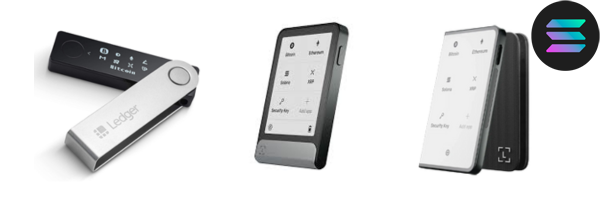
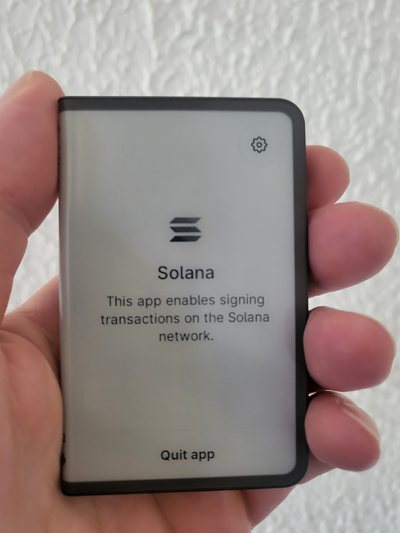
Ledger hardware wallets are among the safest ways to store and manage Solana (SOL). Devices such as Ledger Nano X, Ledger Flex, and Ledger Stax keep your private keys completely offline, protecting your assets from phishing attacks, malware, and unauthorized access.
Through Ledger Live, users can manage SOL, track their portfolio, and stake tokens while maintaining full control of their private keys. Ledger devices can also connect to Solana browser wallets like Phantom and Solflare, allowing secure interaction with Solana dApps, DeFi platforms, and NFT marketplaces.
Ledger wallets use Secure Element chips (CC EAL5+ or higher) to isolate sensitive data inside the device. This architecture ensures that your private keys never leave the hardware wallet, making Ledger one of the most trusted cold-storage solutions for long-term Solana investors.
- Ledger Nano X — $149
A proven, battle-tested hardware wallet trusted by millions of crypto users worldwide. - Ledger Flex — $249
A foldable, modern wallet combining portability with robust security for your SOL and SPL tokens. - Ledger Stax — $399
Ledger’s flagship wallet with an e-ink touchscreen, premium materials, and an intuitive interface—ideal for serious Solana investors.
If you’re serious about investing in Solana and participating in staking, NFTs, or DeFi, a Ledger hardware wallet is by far the best way to do it. For the most premium experience, Ledger Stax is highly recommended.
2. Phantom – Best Solana Wallet for Staking, dApps, and NFTs
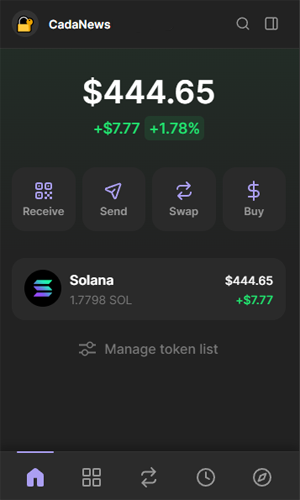
Phantom Wallet is a non-custodial wallet built specifically for the Solana network, available as both a browser extension and a mobile app for Android and iOS. It allows users to store, send, receive, and stake SOL, manage SPL tokens, and interact with Solana NFTs through a clean and beginner-friendly interface.
Phantom connects directly to the Solana ecosystem, allowing users to trade tokens on platforms like Raydium, collect NFTs on Magic Eden, and interact with other Solana dApps without leaving the wallet. The wallet also supports Ledger hardware wallet integration, allowing users to secure their funds with cold storage. If you want to connect a Ledger device, you can follow our step-by-step tutorial on how to connect Ledger Flex to Phantom on both desktop and mobile.
The wallet also supports native SOL staking, letting users delegate their tokens to validators and earn rewards directly from the interface. On mobile, Phantom includes biometric authentication such as Face ID and Touch ID to help keep funds secure.
Price: Free
3. Solflare – Best Solana Wallet for Web and Mobile

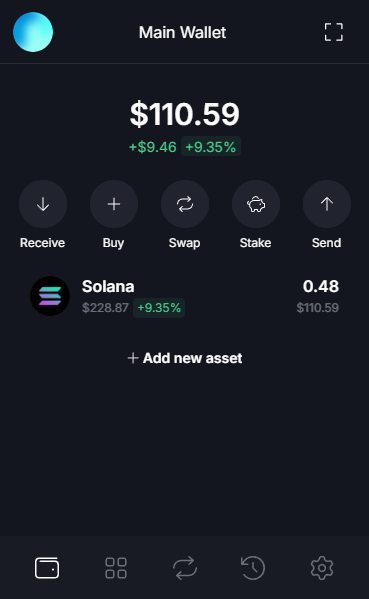
Solflare Wallet is a non-custodial wallet built specifically for the Solana network, available as both a browser extension and a mobile app for Android and iOS. It allows users to store, send, receive, and stake SOL, manage SPL tokens, and interact with Solana NFTs through a clean and intuitive interface.
Solflare integrates directly with the Solana ecosystem, allowing users to connect to popular dApps such as Raydium, Jupiter, and Magic Eden to trade tokens, explore DeFi platforms, or manage NFTs without leaving the wallet.
The wallet also includes built-in SOL staking tools, allowing users to delegate their tokens to validators and earn rewards directly from the interface. Solflare additionally supports Ledger hardware wallet integration, giving users the option to combine cold-storage security with the convenience of a browser or mobile wallet.
Price: Free
5. Backpack – Solana Wallet for dApps, Swaps, and Staking
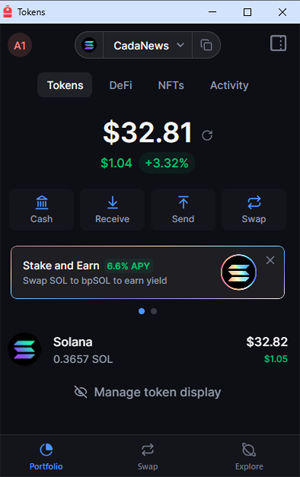
Backpack comes with many useful features for Solana users. It is available as a browser extension and a mobile app for iOS and Android. Besides storing and managing SOL, the wallet allows you to swap SOL for other Solana tokens, including stablecoins like USDT and USDC.
Backpack also integrates smoothly with the Solana ecosystem, letting you connect to dApps such as Jupiter and other DeFi platforms directly from the wallet. Users can also stake SOL and earn rewards, with current staking yields reaching up to 7% APY in 2026, depending on the validator.
Price: Free
6. NuFi Wallet – Multi-Chain Solana Wallet with Staking and NFT Support
NuFi Wallet is a non-custodial multi-chain wallet available as a browser extension and a desktop application. It allows users to store, send, receive, and stake Solana (SOL) while also supporting other major blockchain networks such as Cardano, NEAR, and Flow.
NuFi includes built-in staking tools, allowing users to delegate SOL to validators and earn rewards directly from the wallet. It also supports SPL tokens, Solana NFTs, and dApp connectivity, making it easy to interact with DeFi platforms and Web3 applications across supported ecosystems.
The wallet also supports Ledger hardware wallet integration, allowing users to combine cold-storage security with NuFi’s convenient interface for everyday transactions and asset management.
Price: Free
7. Math Wallet – Cross-Chain Solana Wallet with dApp Browser
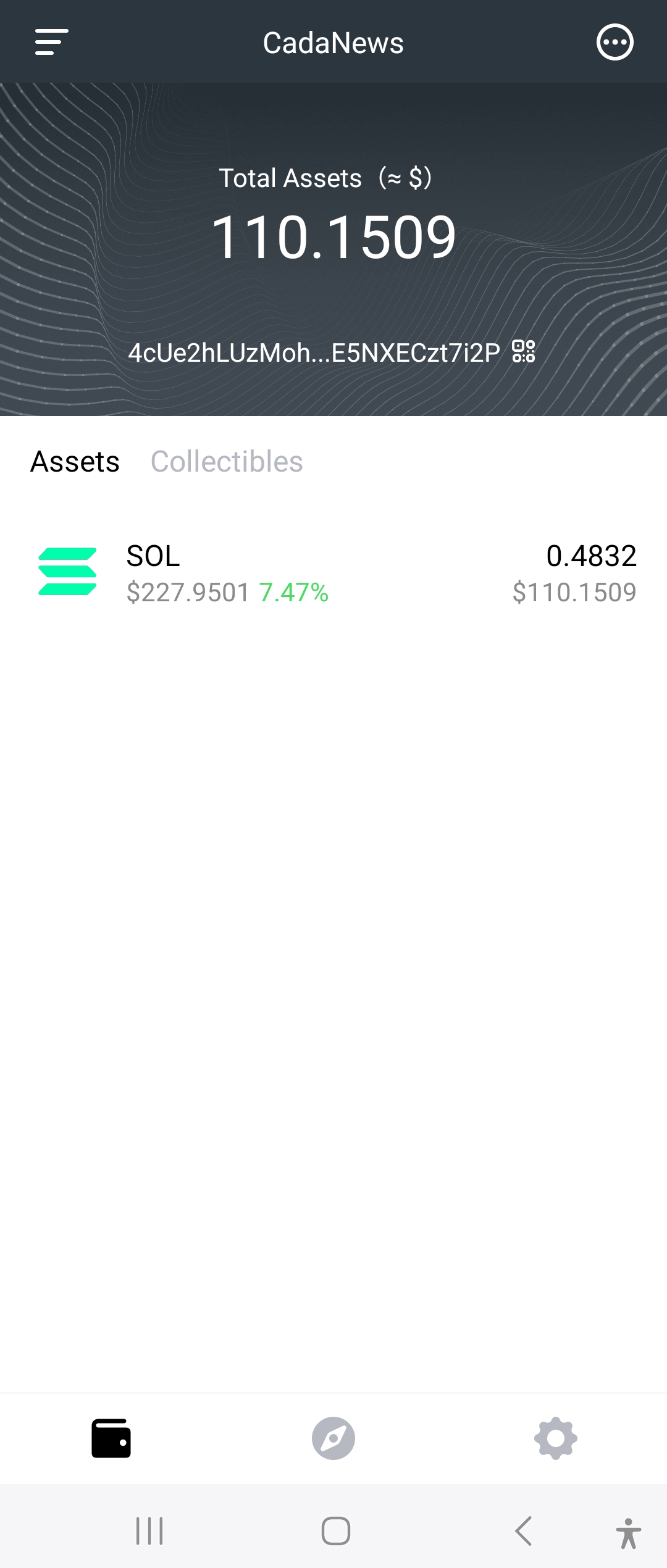
Math Wallet is a non-custodial multi-chain wallet available as a browser extension, mobile app, and web wallet. It supports more than 100 blockchain networks, including Solana, and provides a unified interface for storing, sending, and managing SOL and SPL tokens.
One of Math Wallet’s standout features is its built-in dApp browser, which allows users to connect directly to Solana DeFi platforms, NFT marketplaces, and other Web3 applications without installing additional extensions. The wallet also allows users to manage and transfer Solana NFTs directly from the interface.
Math Wallet also supports Ledger hardware wallet integration, allowing users to combine the security of cold storage with the convenience of a versatile multi-chain wallet.
Price: Free
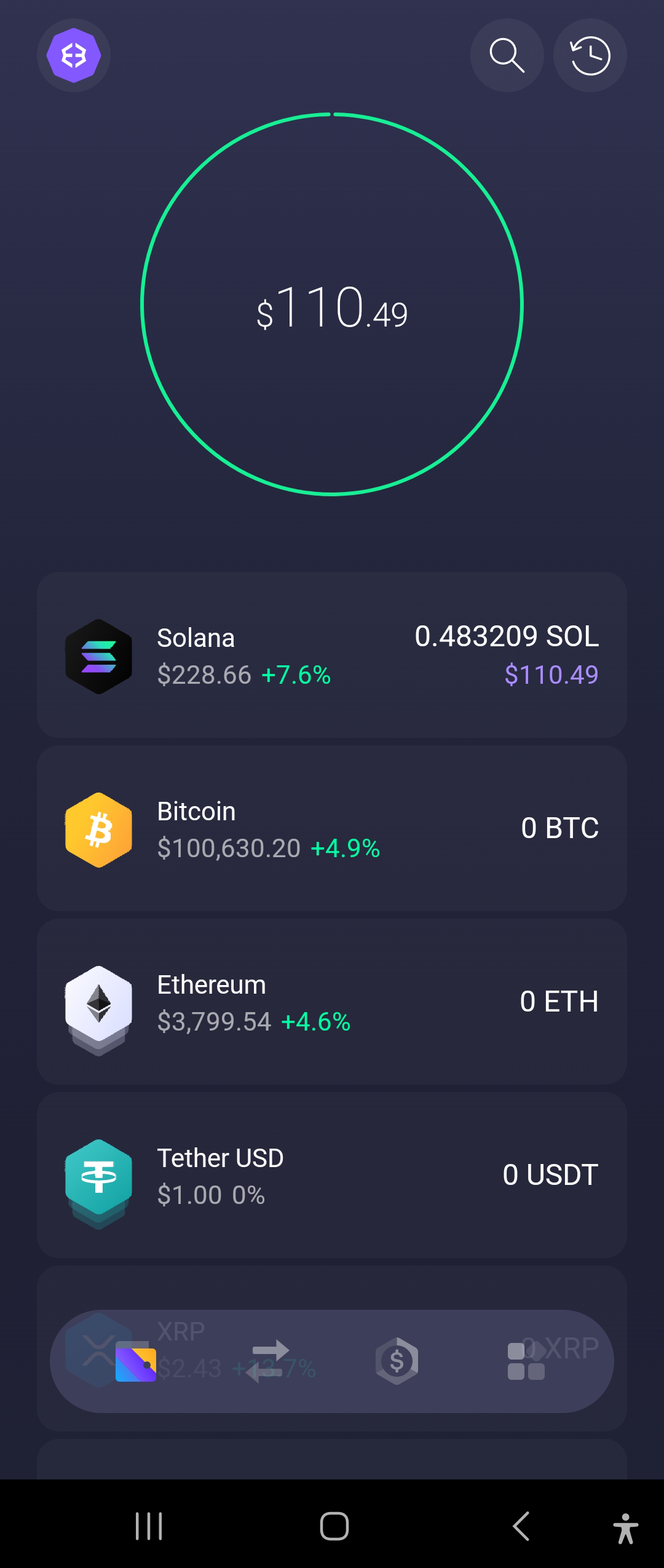
8. Exodus – Multi-Asset Solana Wallet with Simple Staking
Exodus Wallet is a non-custodial multi-currency wallet available on desktop, mobile, and as a web app. It supports Solana and more than 300 other cryptocurrencies, making it a convenient option for managing your crypto assets from one place.
Exodus is known for its beginner-friendly interface, making it easy to send, receive, and swap Solana quickly. The wallet also allows users to stake SOL directly in the app by delegating to Everstake, which distributes staking rewards automatically.
Exodus also includes security features such as encrypted private keys, optional password protection, and biometric authentication on mobile devices, helping users keep their funds safe while maintaining full control of their wallet.
Price: Free
What a Good Solana (SOL) Wallet Should Have
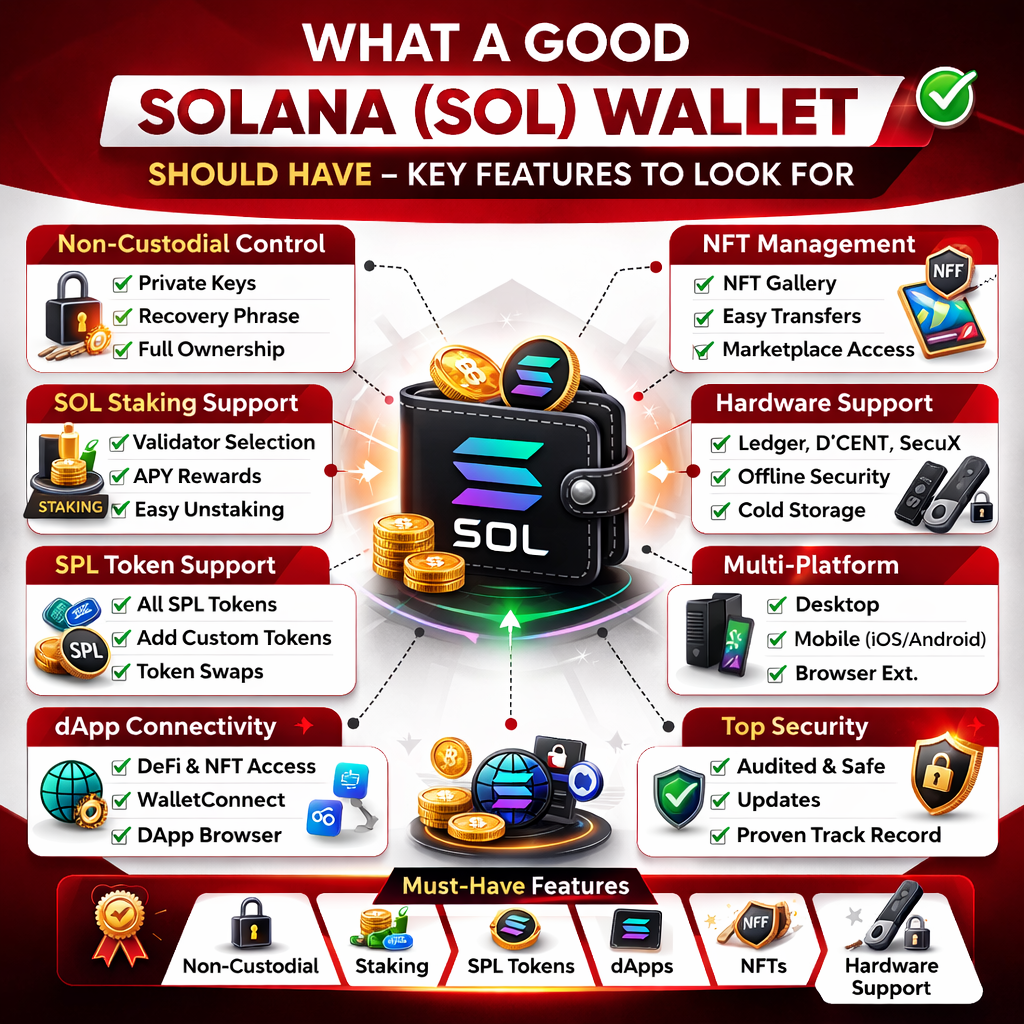
Choosing the right Solana wallet isn’t just about storing SOL. A high-quality wallet should support staking, NFT management, SPL tokens, dApp connectivity, and strong security architecture — especially if you actively use the Solana ecosystem.
Here’s what a good SOL wallet should offer:
1. True Non-Custodial Control
A proper Solana wallet must give you full ownership of your private keys and recovery phrase.
If you don’t control the keys, you don’t control your SOL.
Non-custodial wallets ensure:
- Only you can authorize transactions
- Your funds aren’t dependent on a third party
- You can restore access using your seed phrase
2. Built-In SOL Staking Support
Staking is one of Solana’s core features. A good wallet should allow you to:
- Delegate SOL to validators
- View staking rewards clearly
- Track APY and validator performance
- Easily unstake when needed
Wallets like Ledger (via Ledger Live), Phantom, Solflare, and NuFi provide direct staking tools — which makes long-term holding more efficient.
3. Full SPL Token Compatibility
Solana uses the SPL token standard. Your wallet should:
- Support all SPL tokens
- Allow manual token addition
- Display token balances accurately
- Handle token swaps smoothly
If you interact with DeFi protocols or new token launches, this is essential.
4. Seamless dApp Connectivity
Solana is heavily used for DeFi, NFT marketplaces, and Web3 applications.
A good SOL wallet should support:
- Direct dApp connection (browser extension or mobile)
- WalletConnect compatibility
- Smooth integration with platforms like Raydium, Jupiter, and Magic Eden
Without strong dApp support, your Solana wallet becomes very limited.
5. NFT Management & Gallery Support
Solana has a large NFT ecosystem. A quality wallet should:
- Display NFTs clearly
- Allow easy transfers
- Show collection details
- Connect to NFT marketplaces
Phantom and Solflare, for example, include native NFT galleries built directly into the wallet.
6. Hardware Wallet Compatibility (Maximum Security)
If you hold a larger SOL balance, hardware integration is important.
The best Solana wallets allow connection to:
- Ledger Nano X
- Ledger Flex
- Ledger Stax
- D’CENT
- SecuX models
This allows you to interact with dApps while keeping private keys offline.
7. Multi-Platform Access
A strong Solana wallet should be available across:
- Desktop
- Mobile (iOS & Android)
- Browser extension
This flexibility improves usability whether you’re staking, trading, or managing NFTs.
8. Proven Security & Ongoing Development
Before choosing a wallet, check:
- Development activity
- Security audits
- Community reputation
- Frequency of updates
Security and long-term reliability matter more than flashy design.
Solana Hardware vs Software Wallet
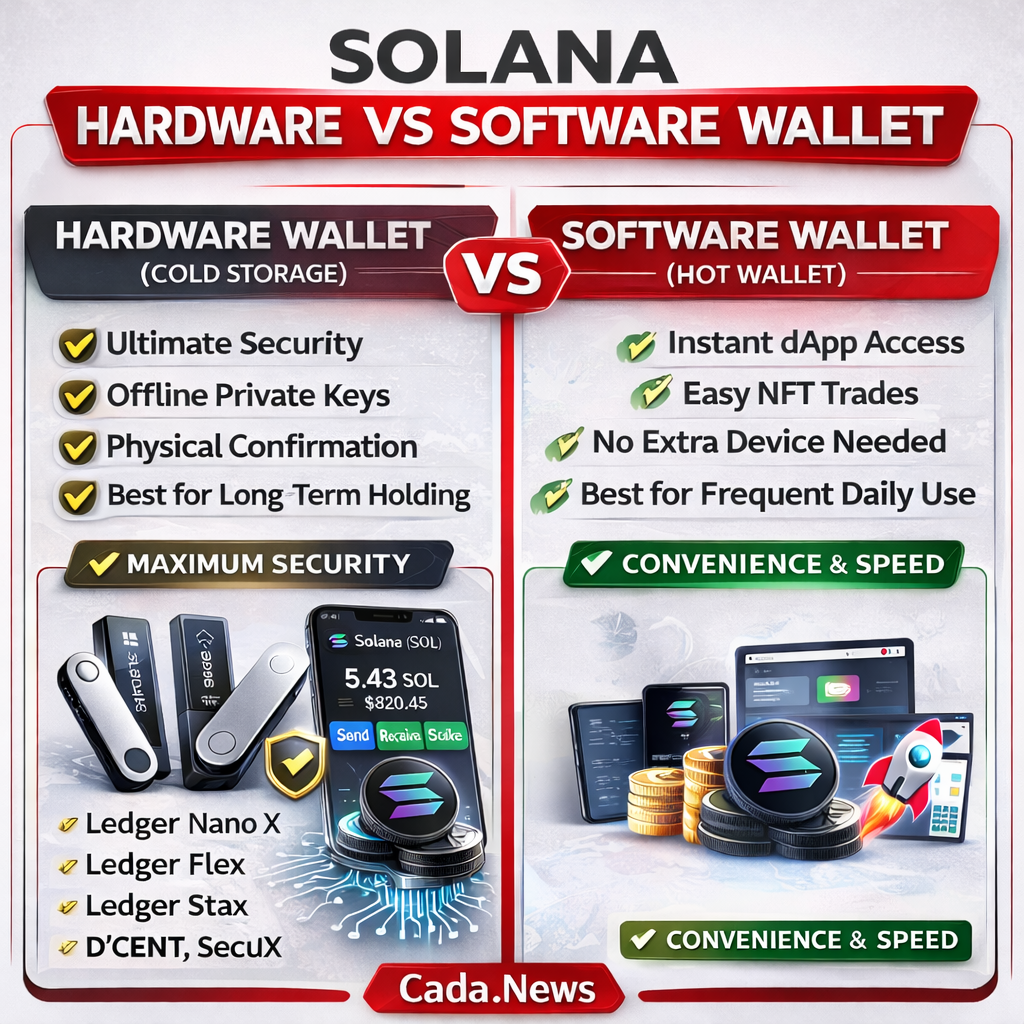
When choosing a Solana wallet, the biggest decision isn’t the brand — it’s whether you want a hardware wallet (cold storage) or a software wallet (hot wallet).
Both support SOL, SPL tokens, NFTs, and dApps. The real difference comes down to security versus convenience.
Hardware Wallets (Cold Storage)
Hardware wallets store your private keys completely offline. Transactions must be physically confirmed on the device, meaning your keys are never exposed to the internet.
This dramatically reduces the risk of phishing attacks, malware, browser exploits, or remote hacks.
Devices like Ledger Nano X, Ledger Flex, Ledger Stax, D’CENT, and SecuX models allow you to stake SOL and connect to Solana dApps through wallets like Phantom or Solflare — but final approval always happens on the device itself.
Hardware wallets are typically chosen by investors who:
- Hold larger SOL balances
- Plan to stake long term
- Prioritize maximum protection
- Treat crypto as a serious investment
Security is the priority here, even if it adds one extra step when signing transactions.
Software Wallets (Hot Wallets)
Software wallets stay connected to the internet. They’re available as browser extensions, mobile apps, or desktop applications and provide instant access to DeFi platforms, NFT marketplaces, and token swaps.
Phantom, Solflare, NuFi, Math Wallet, and Exodus all allow quick staking, token management, and dApp interaction without external devices.
Software wallets are ideal for users who:
- Trade or interact with dApps frequently
- Collect and transfer NFTs often
- Manage smaller daily-use balances
- Prefer speed and flexibility
They’re faster and more convenient — but security depends heavily on your device hygiene and online behavior.
Which One Is Better?
There isn’t a universal winner.
If your priority is maximum protection for long-term holdings, hardware wallets clearly offer stronger security architecture.
If your priority is daily usability and fast Web3 access, software wallets provide a smoother experience.
Most experienced Solana users combine both — storing the majority of their SOL on a hardware wallet while using a software wallet for everyday activity.
If you want to explore wallets for other cryptocurrencies and blockchain ecosystems, you can browse our full crypto wallet guides on CadaNews.