
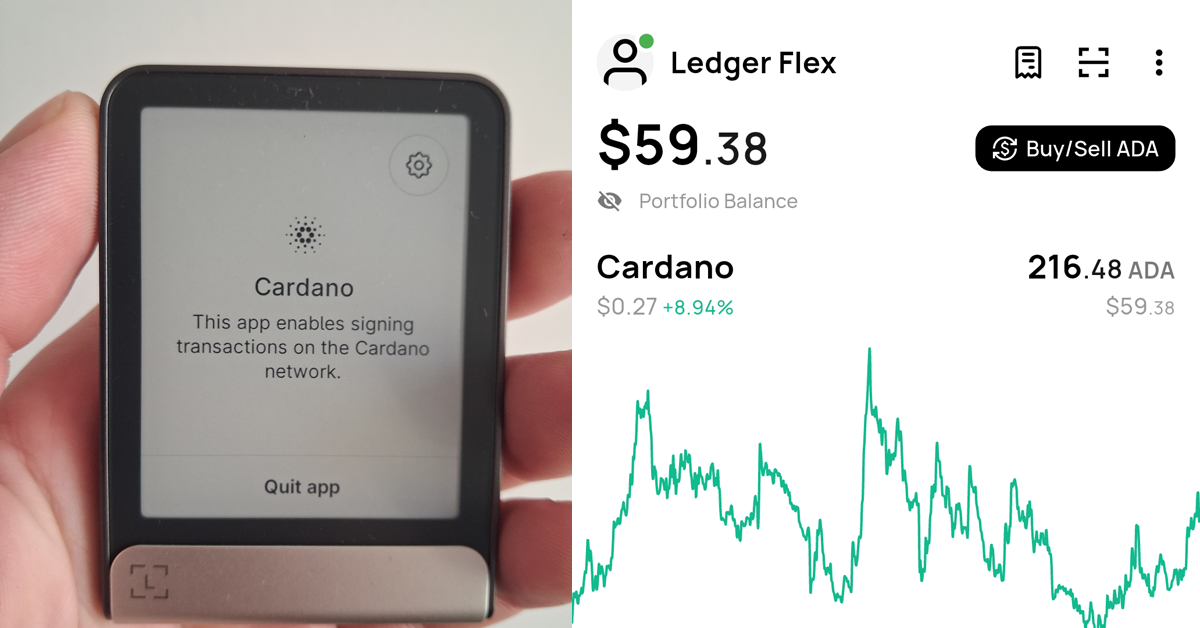

If you want to use your Ledger Flex hardware wallet with the VESPR mobile wallet, you can easily connect the device and securely manage your Cardano assets directly from your phone. VESPR is a modern Cardano mobile wallet that supports hardware wallets, allowing you to keep your private keys stored safely on your Ledger device while using VESPR as the interface.
In this guide, we’ll show you how to connect Ledger Flex to the VESPR mobile wallet using Bluetooth. Once connected, you’ll be able to manage ADA, stake your funds, view Cardano native tokens and NFTs, and interact with Cardano dApps.
1. Make sure the Cardano app is installed in Ledger Live. Once installed, it will appear on your Ledger Flex device like in the image below.
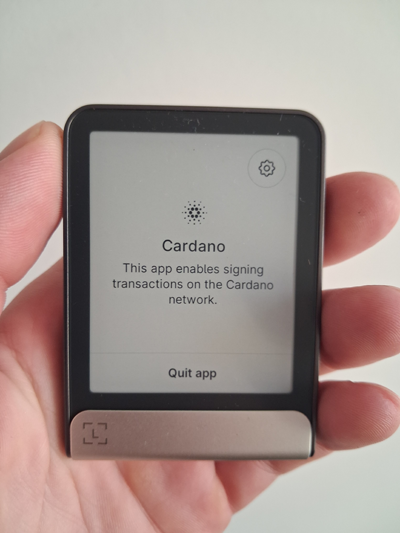
2. Make sure Bluetooth is enabled on both your mobile device and Ledger Flex. Bluetooth is usually turned on by default on Flex, but you can verify this in the device settings. Keep the Cardano app open on your Ledger Flex.
3. Install the VESPR mobile wallet app on your phone and open it.
4. Tap “Connect hardware wallet.”
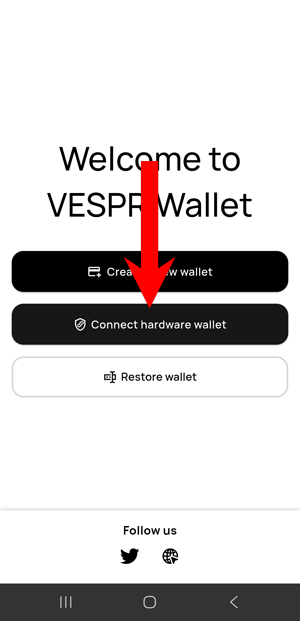
5. Select “Connect Ledger.”
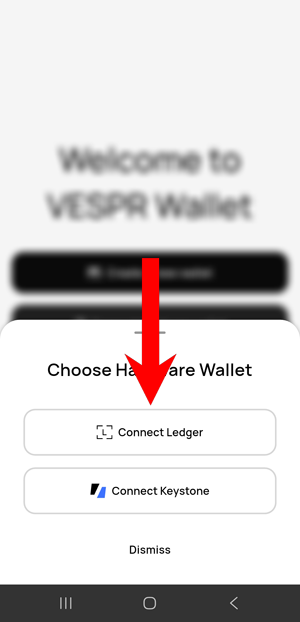
6. Choose “Connect with Bluetooth.”
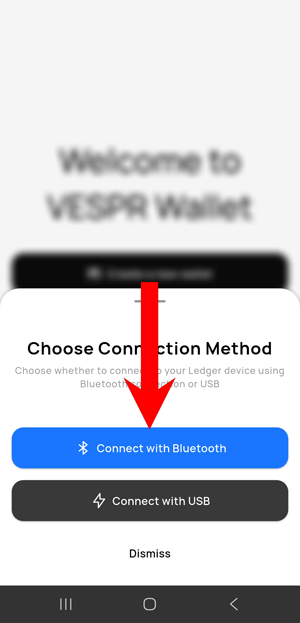
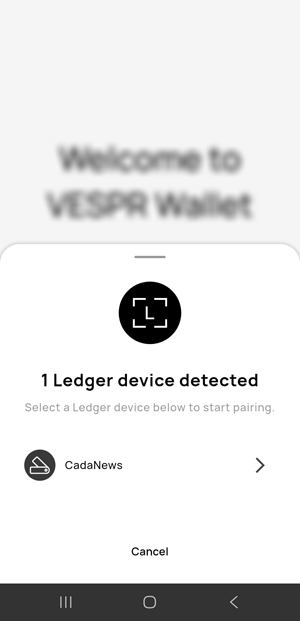
7. VESPR will search for nearby devices. When your Ledger Flex appears, tap it to connect.
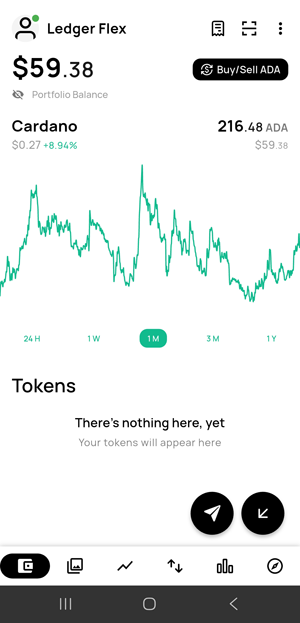
8. That’s it. Your device is now connected. You can now safely manage and stake ADA, manage Cardano native assets and NFTs, and access Cardano dApps using the VESPR wallet.
Useful Resources for Cardano Users
- 8 Best Cardano (ADA) Wallets to Use in 2026 – Compare the most popular wallets for storing, managing, and staking ADA safely.
- 6 Best Hardware Wallets for Cardano in 2026 – Discover the most secure hardware wallets for protecting your ADA and managing your assets offline.
- 7 Best Cardano Staking Wallets to Stake ADA in 2026 – Explore the best wallets that support Cardano staking and make delegating ADA simple and secure.
- How To Stake Cardano (ADA) – Cardano Staking in 2026 – Learn how Cardano staking works, what stake pools are, how rewards are calculated, and how to safely delegate your ADA using self-custody wallets.
