
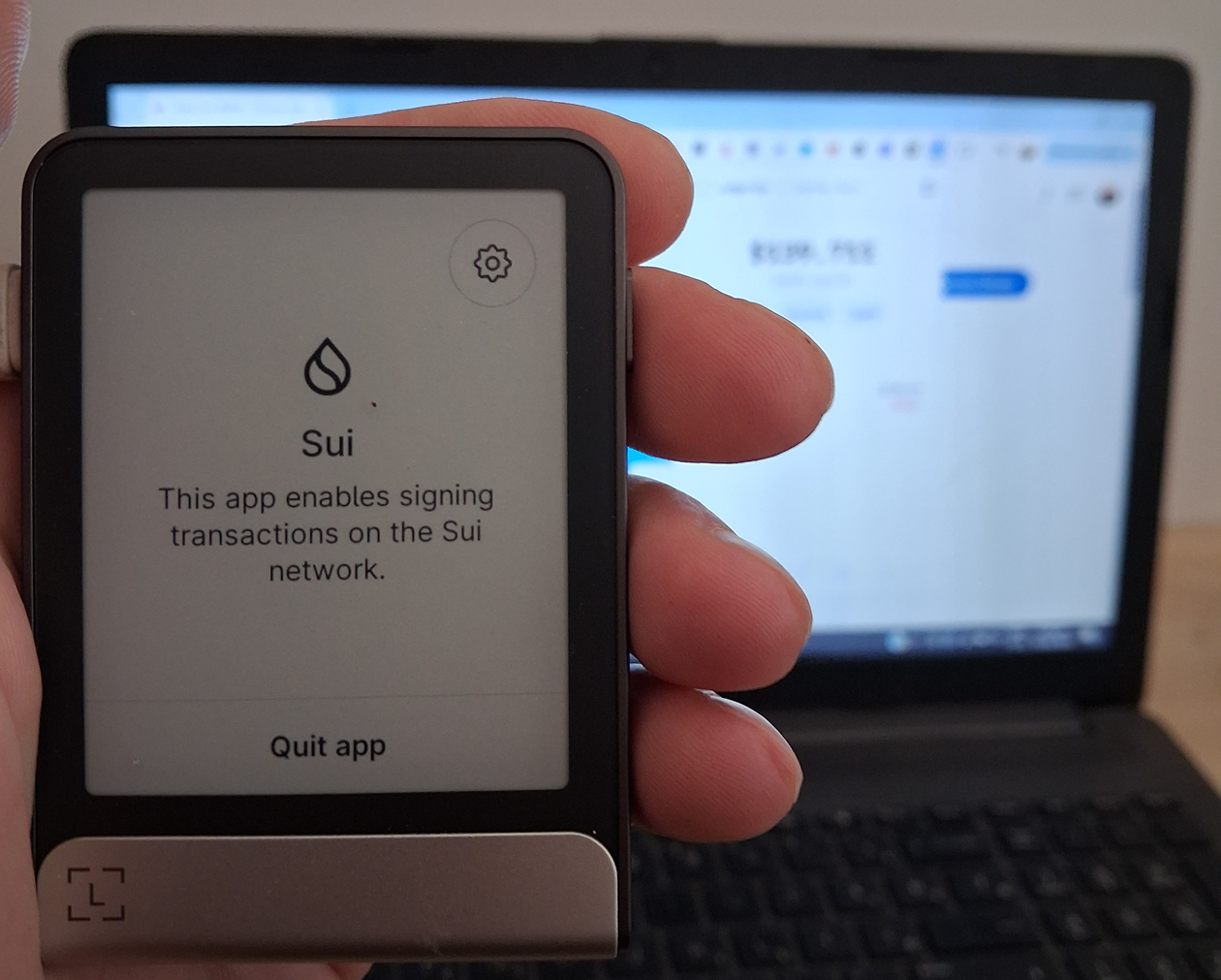

Looking to connect your Ledger Flex to Suiet Wallet? This setup lets you manage SUI, tokens, and NFTs while keeping your private keys secured on a hardware wallet.
By connecting Ledger Flex to Suiet, you can safely interact with Sui dApps, manage assets, and use the ecosystem without exposing your keys online.
Steps to Connect Ledger Flex to Suiet Wallet
1. Make sure the Sui app is installed in Ledger Live. Once installed, it will appear on your Ledger Flex device.
2. Install the Suiet browser extension on Chrome or another supported browser.
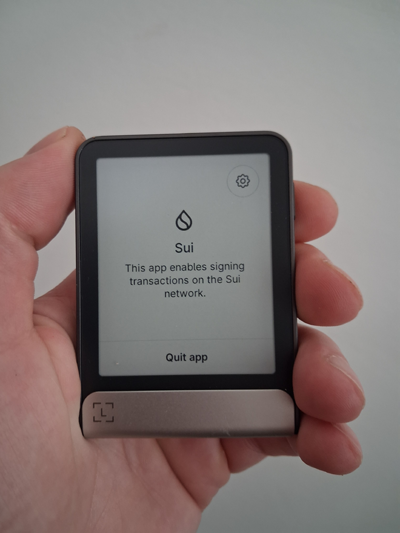
3. Connect your Ledger Flex to your computer and open the Sui app on the device.
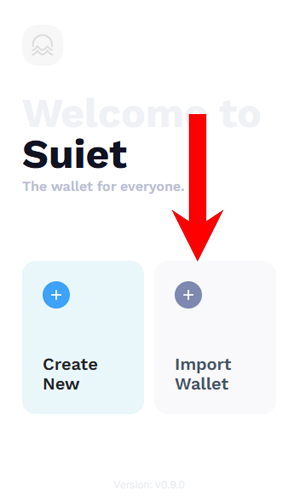
4. Open Suiet and click Import Wallet.
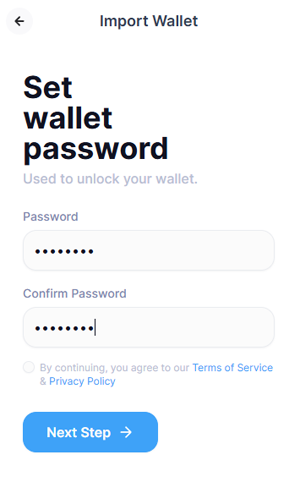
5. Set a password for your wallet.
6. Choose With Hardware Wallet from the import options.
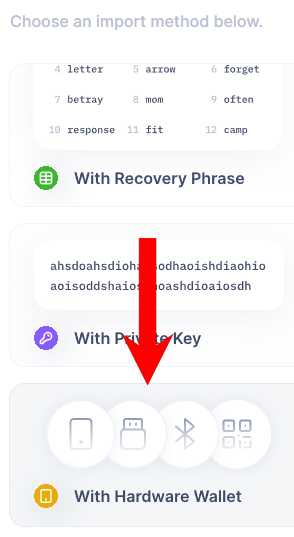
7. In the pop-up window, select Flex.
8. Select and import the Sui accounts you want to use.
9. If you already had SUI stored on your Ledger Live wallet, Suiet should now display your balance after importing the account (as shown in the image below).
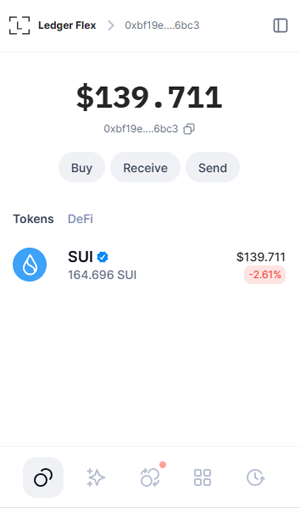
10. That’s it. Flex is now successfully inegrated with Suiet wallet. You can now fully enjoy all benefits of the Sui ecosystem but now more securily.
For more software wallet options that support Ledger devices, check out our guide to the best Sui wallets in 2026.
