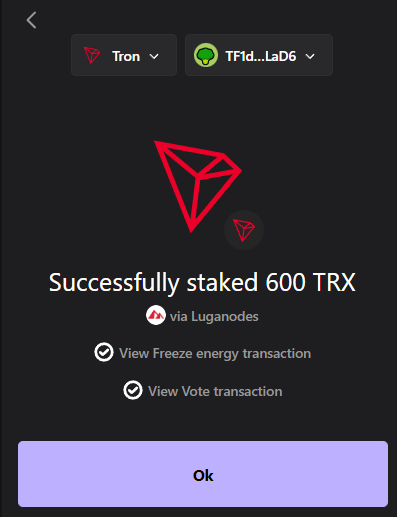


Staking Tron (TRX) is one of the easiest ways to earn passive rewards while supporting the network. With Ledger Live, you can securely stake your TRX using hardware wallets like Ledger Flex, Ledger Nano X, and Ledger Stax, keeping your private keys fully offline.
By staking TRX in Ledger Live, you freeze TRX and vote for validators (Super Representatives), allowing you to generate rewards directly from your wallet in just a few steps.
If you’re still choosing a device, check our Best Crypto Hardware Wallets guide. For software alternatives, explore the Best Tron Wallets and Best Tron Wallets For Staking. You can also find more setup guides in our crypto wallet tutorials hub.
Step-by-Step: How To Stake Tron (TRX) in Ledger Live
Step-by-Step: How To Stake Tron (TRX) in Ledger Live
Here’s how you can stake your Tron (TRX) directly through Ledger Live:
1. Install the Tron app – Open My Ledger in Ledger Live and install the Tron app.
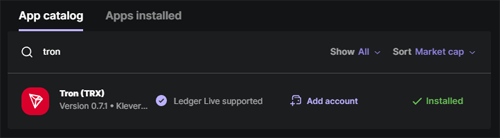
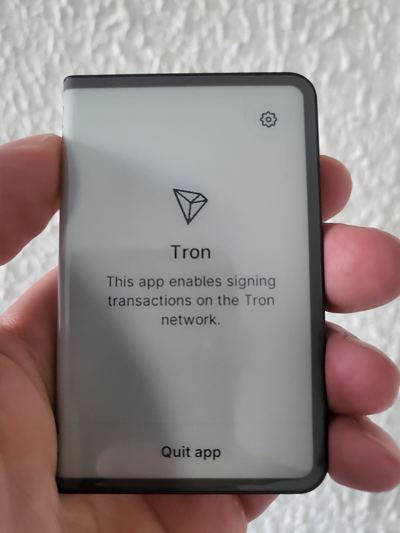
2. Add a Tron account – Go to Accounts and create a new TRX account.
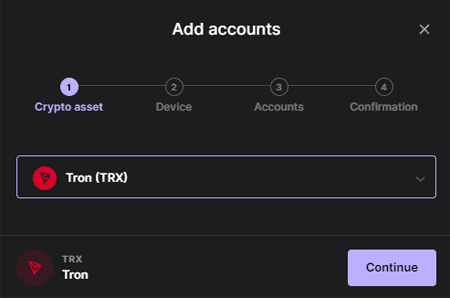
3. Fund your account – Transfer TRX or buy it directly in Ledger Live.
4. Open Earn tab – Select your Tron account and click “Earn.”
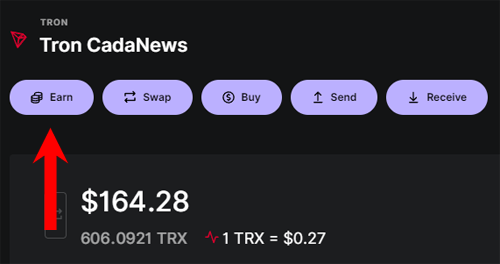
5. Choose validator – Enter amount and select a Super Representative.
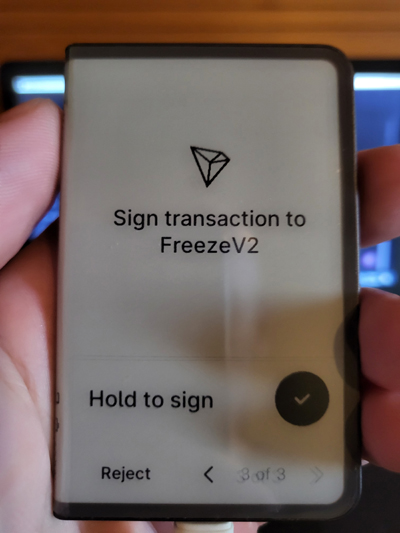
6. Freeze TRX – Confirm on your Ledger device to lock TRX for staking.
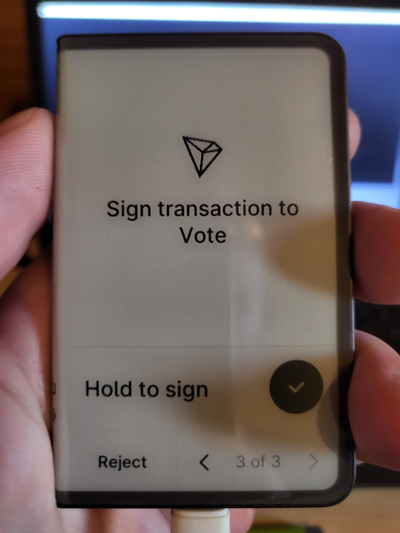
7. Vote – Sign the second transaction to vote for your validator.
7. Start earning – Your TRX is now staked and generating rewards.